
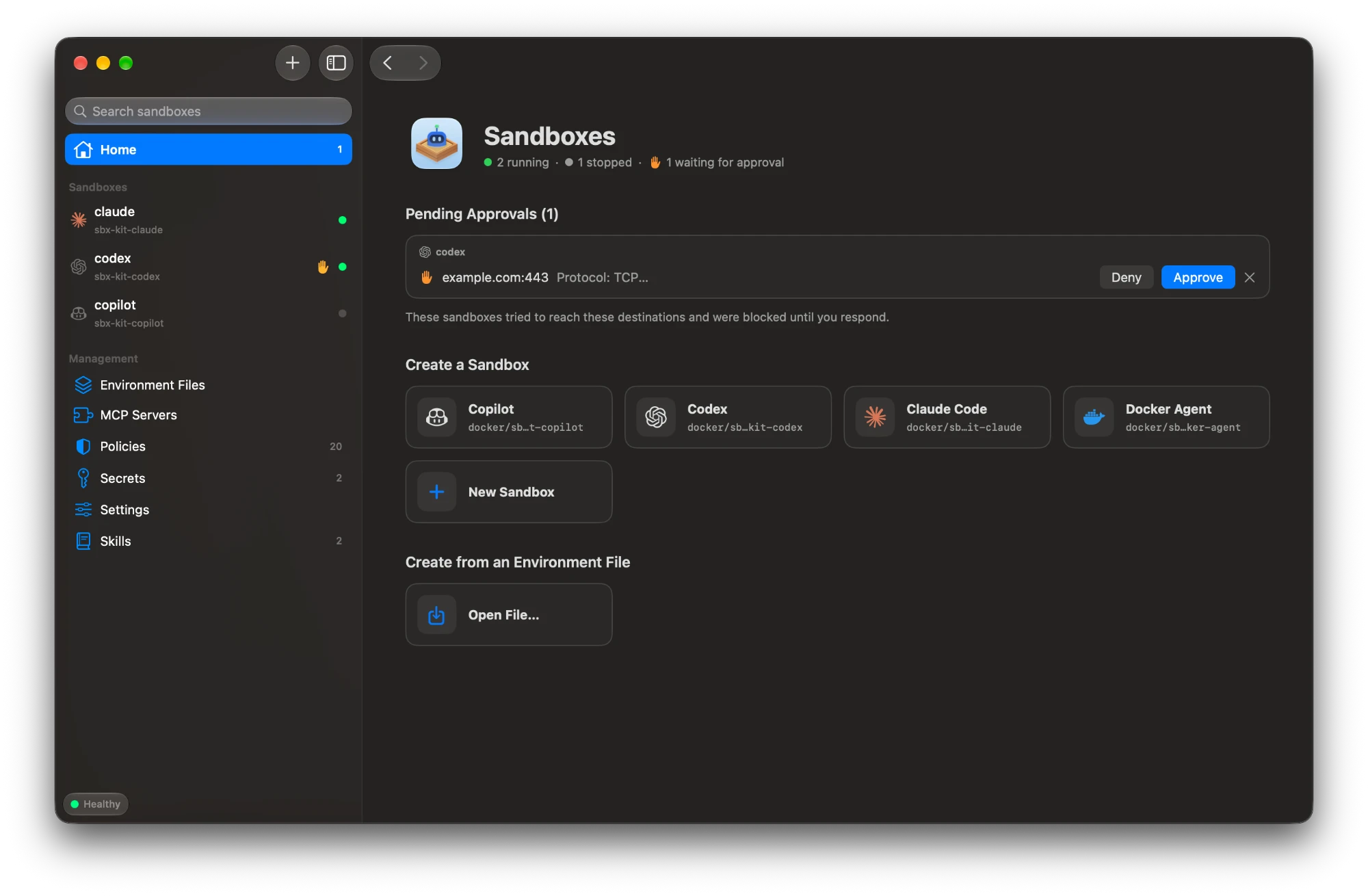
Features
Sandboxes
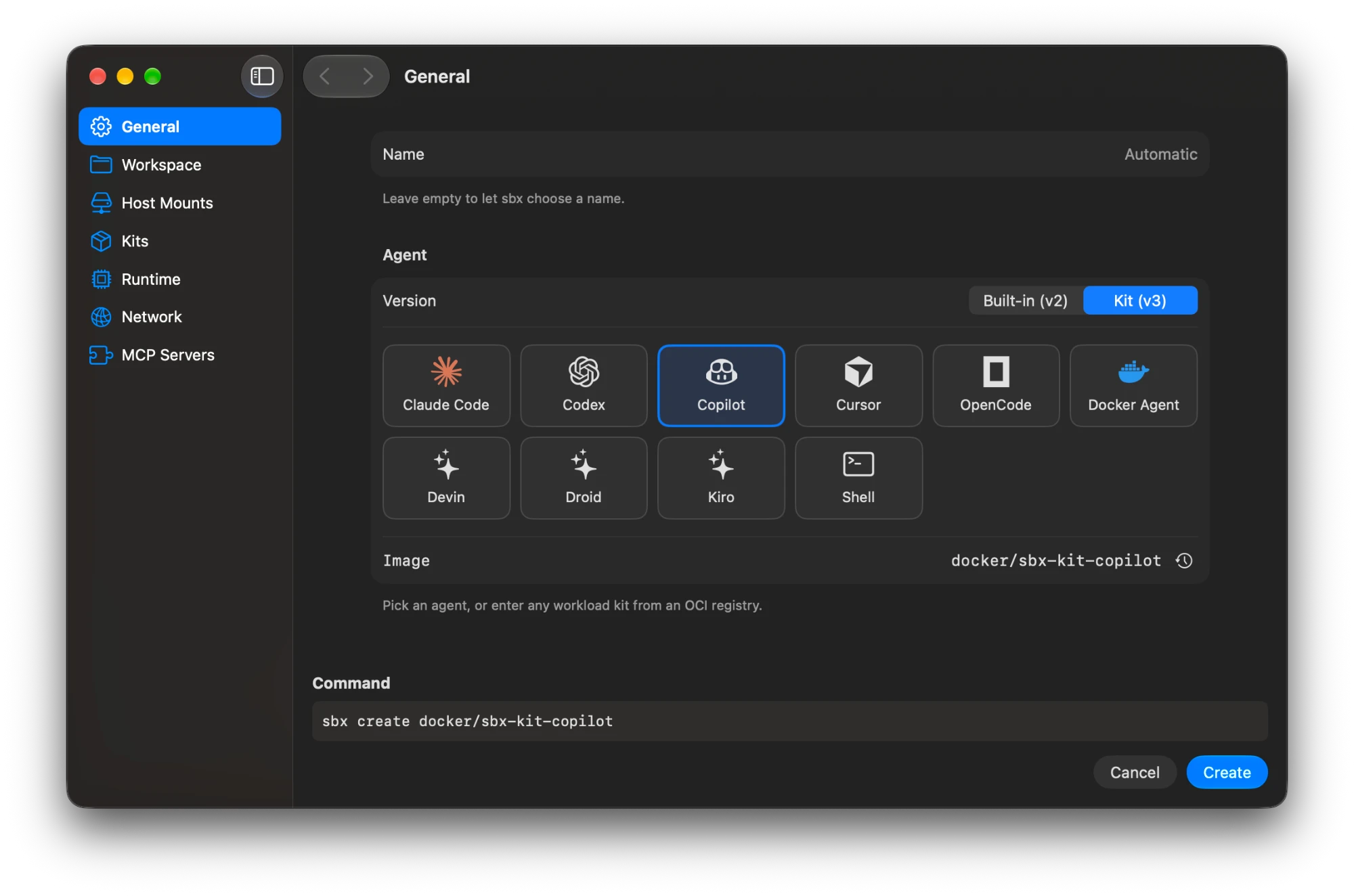
- Create a sandbox, configuring options such as kits, extra workspace folders and MCP servers.
- Save environment files and use them to create sandboxes.
- See each sandbox’s details and resource usage.
- Start, stop and remove sandboxes.
- Run a sandbox’s agent in your terminal, or open the sandbox in Claude Desktop.
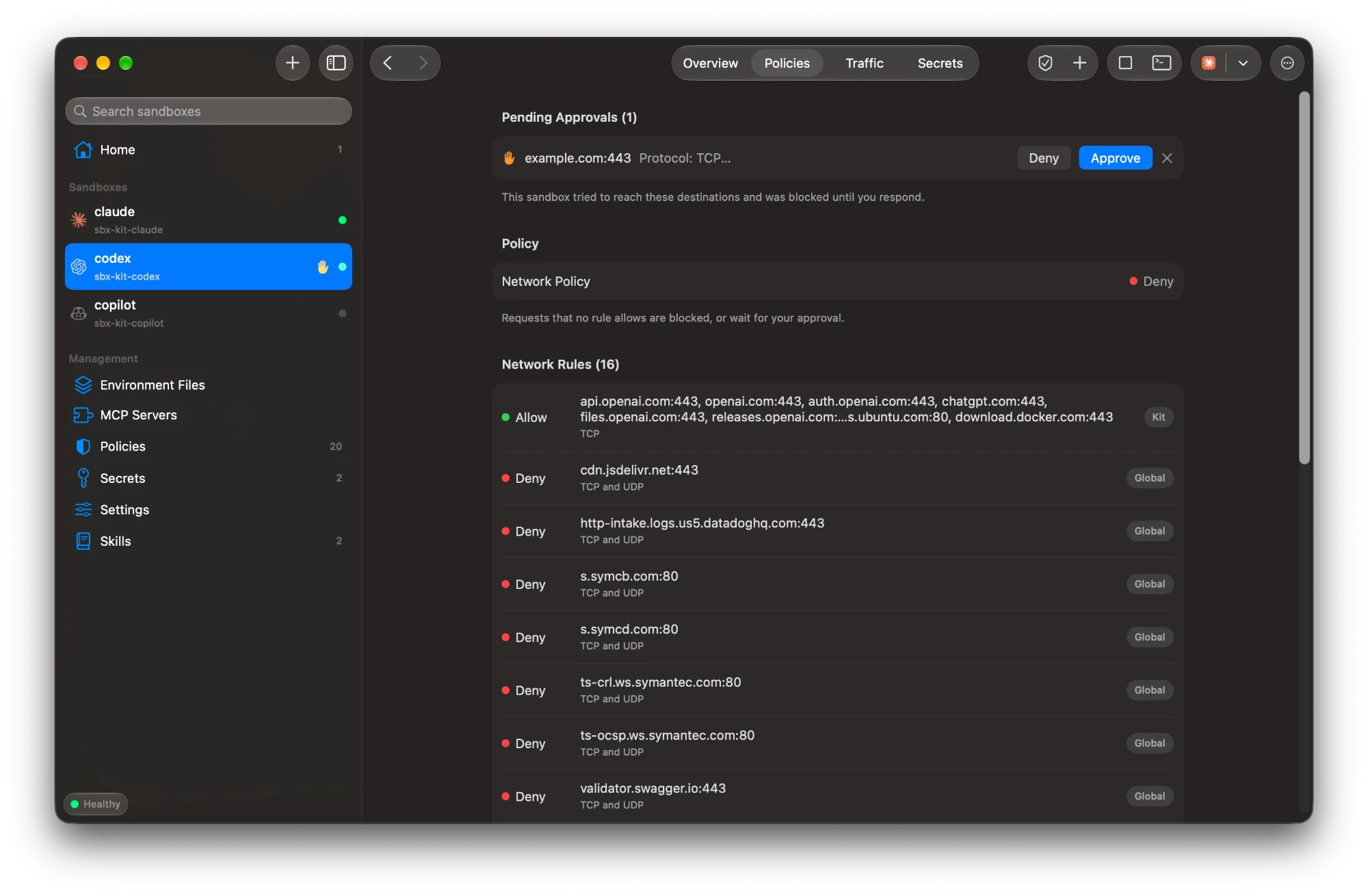
Access
- Get a notification when an agent’s network request needs approval, then approve or deny it.
- Add network rules for all sandboxes or for just one.
- See a sandbox’s network traffic, and the network and file system rules that apply to it.
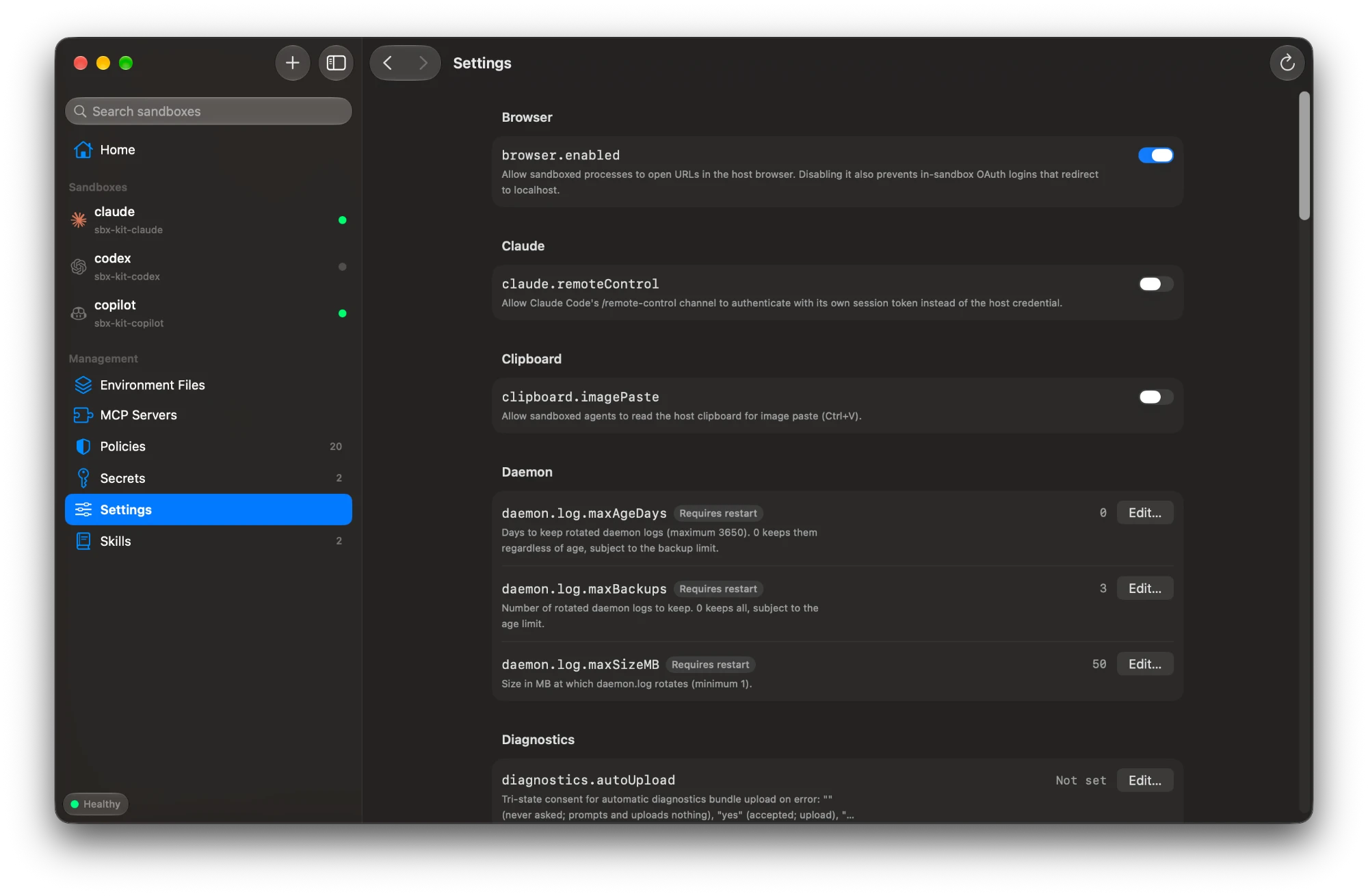
Configuration
- Manage secrets for all sandboxes or for just one.
- Add MCP servers and choose which sandboxes use them.
- Add agent skills and choose how sandboxes share them.
- View and change
sbxsettings, such as proxies and kit policy. - Install, upgrade and sign in to
sbx, and run diagnostics when something isn’t working.
Requirements
- macOS 26 or later.
- The
sbxCLI. Install it with Homebrew:brew install docker/tap/sbx, or from the app. - Claude Desktop v2.110.0 or later, to open sandboxes in Claude Desktop.
The README lists the sbx versions that some features need.
Other ways to install
Download the DMG and install it yourself:
- Download
Sandboxes-<version>.dmgfrom the latest release. - Open the DMG and drag Sandboxes onto Applications.
- Sandboxes isn’t notarised by Apple yet, so the first time you open it macOS blocks it. Click Done, then open System Settings › Privacy & Security and click Open Anyway. You only need to do this once.
The install script doesn’t need the last step, because macOS doesn’t flag downloads made with curl.